Upcoming Event
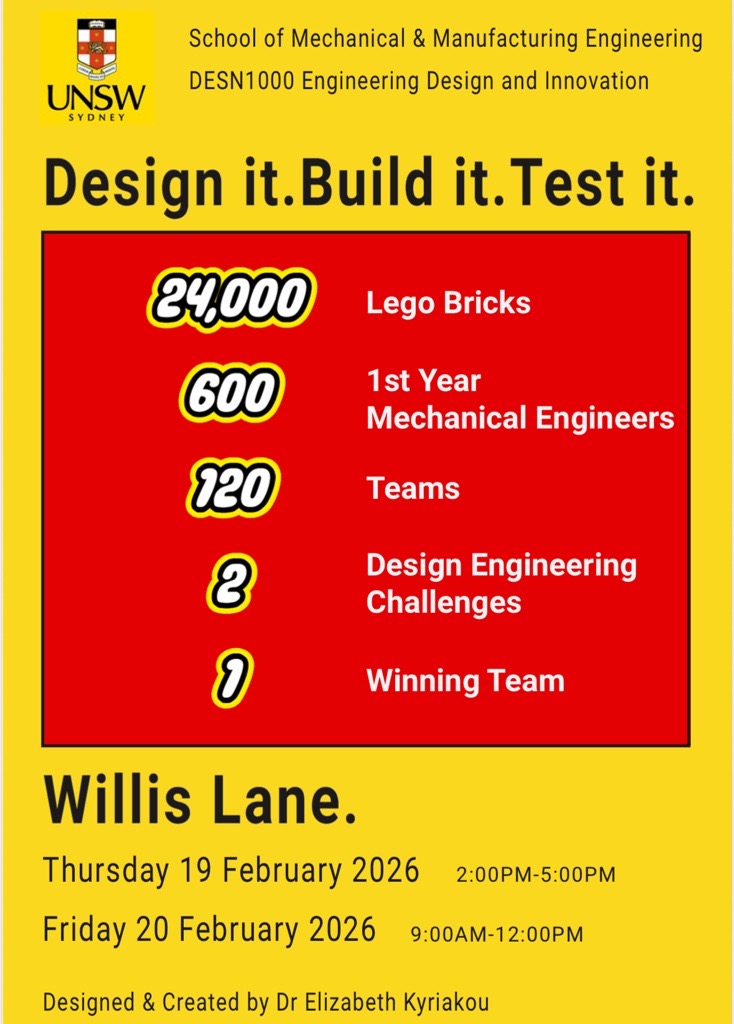
 Term 1, 2026 • UNSW Engineering
DESN1000 Engineering Design
Welcome to the flagship course of your engineering degree. Immerse yourself in the engineering design process, teamwork, and hands-on prototyping. Apply your creativity and technical skills using fundamental tools, facilities, and software.
Access your essential tools and resources
See what previous teams have created. From CAD designs to functional prototypes with Arduino-controlled morphing mechanisms.
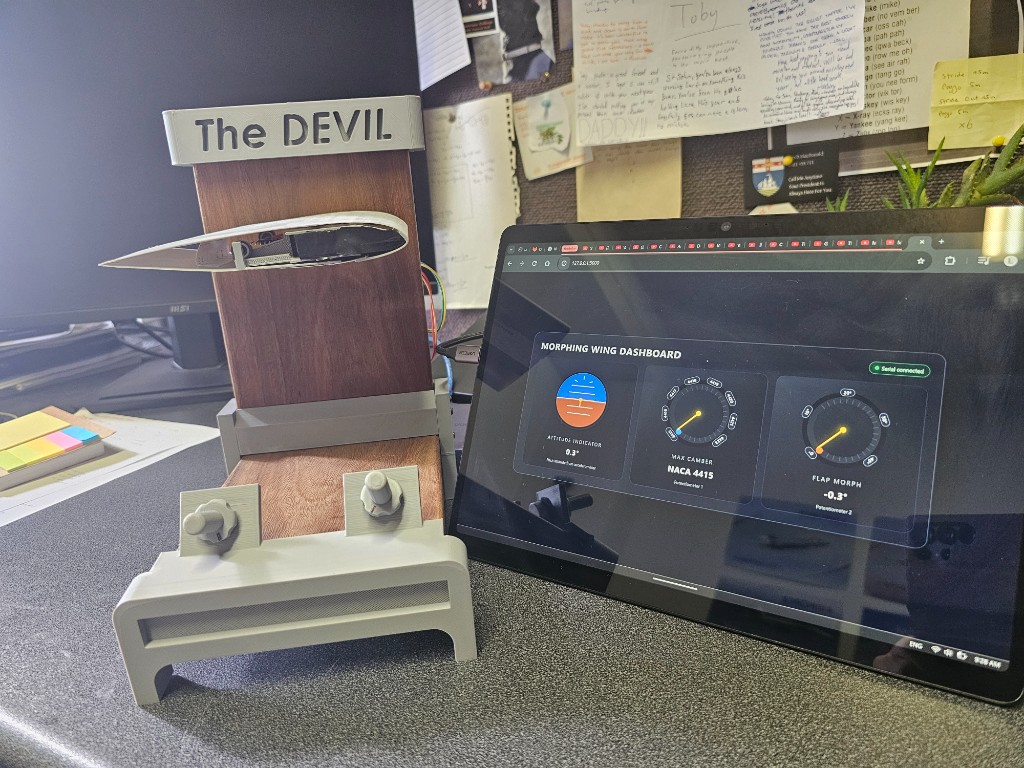
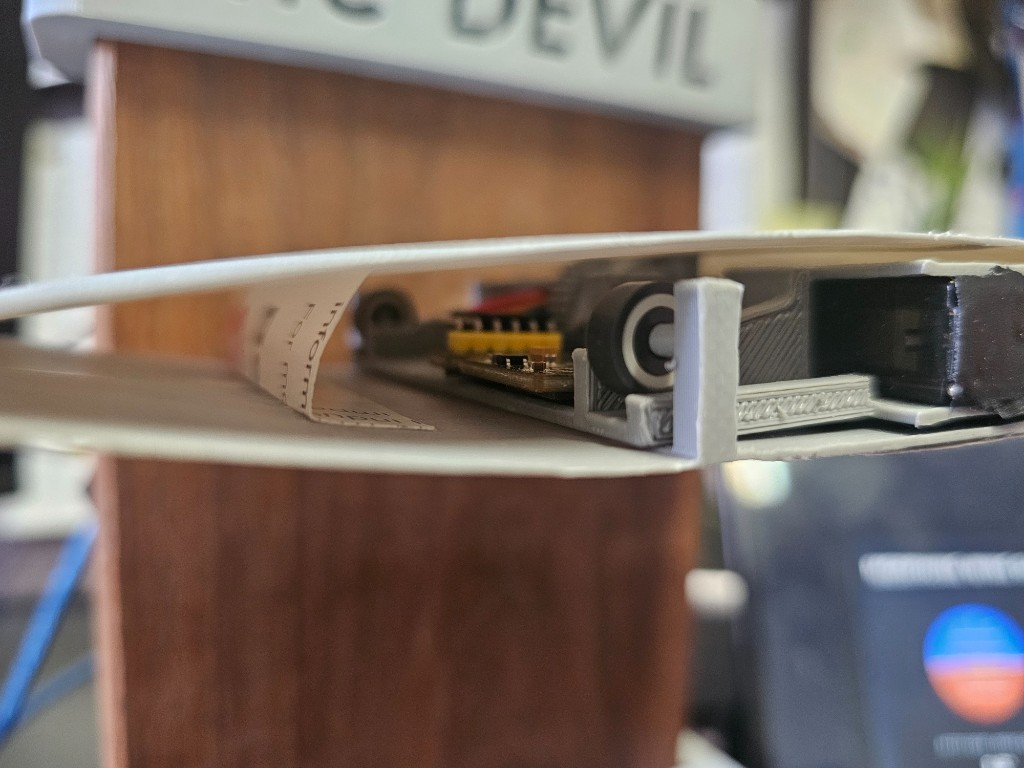
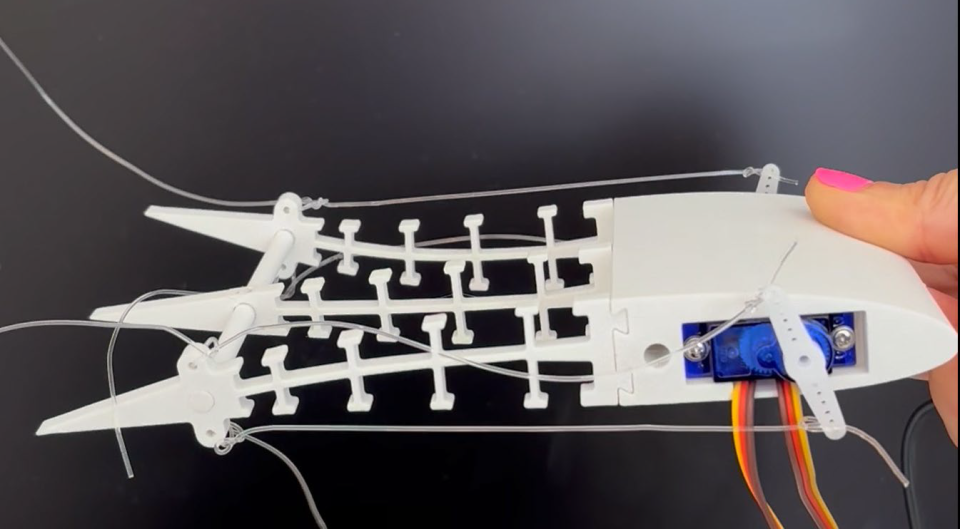
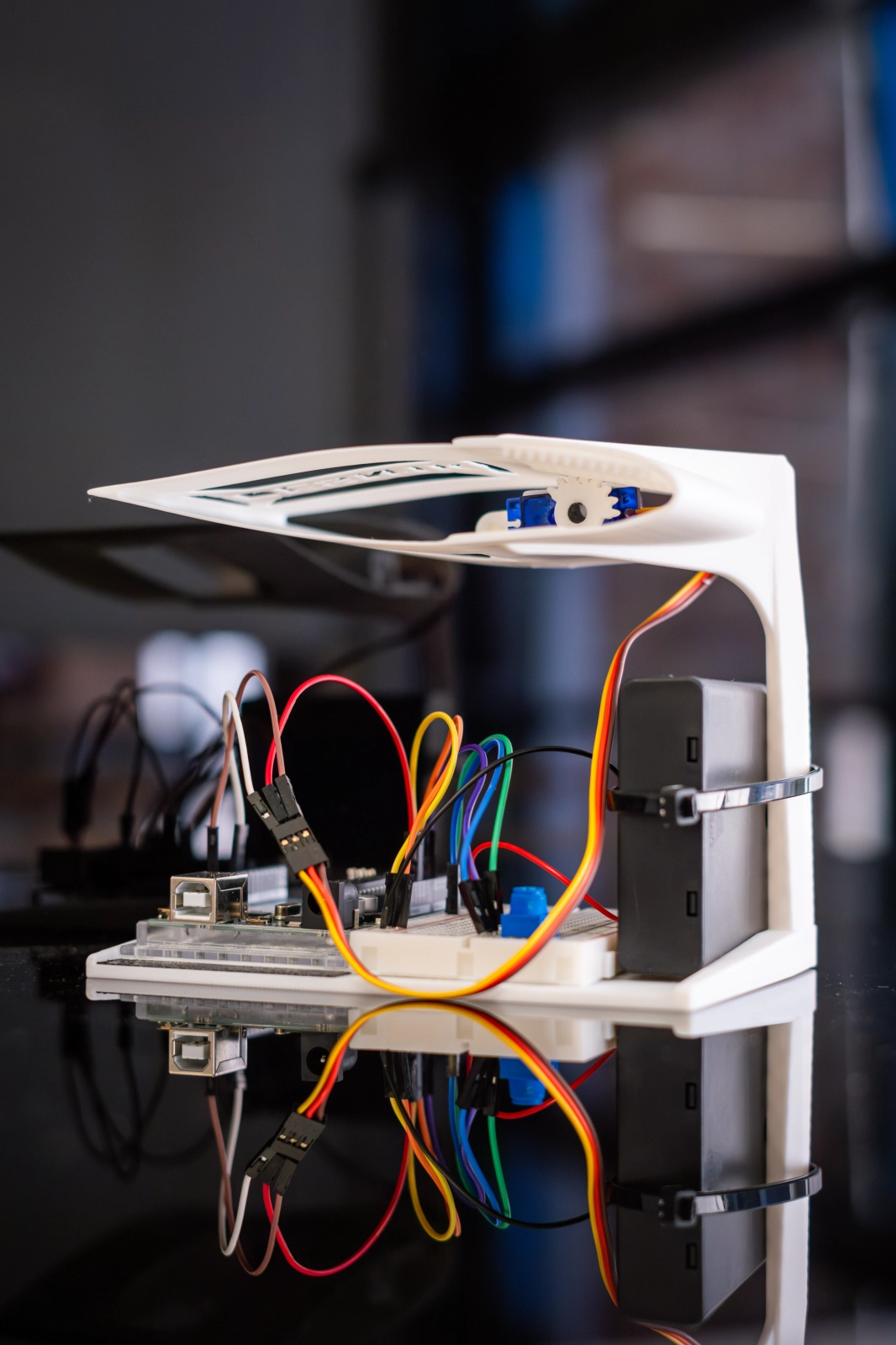
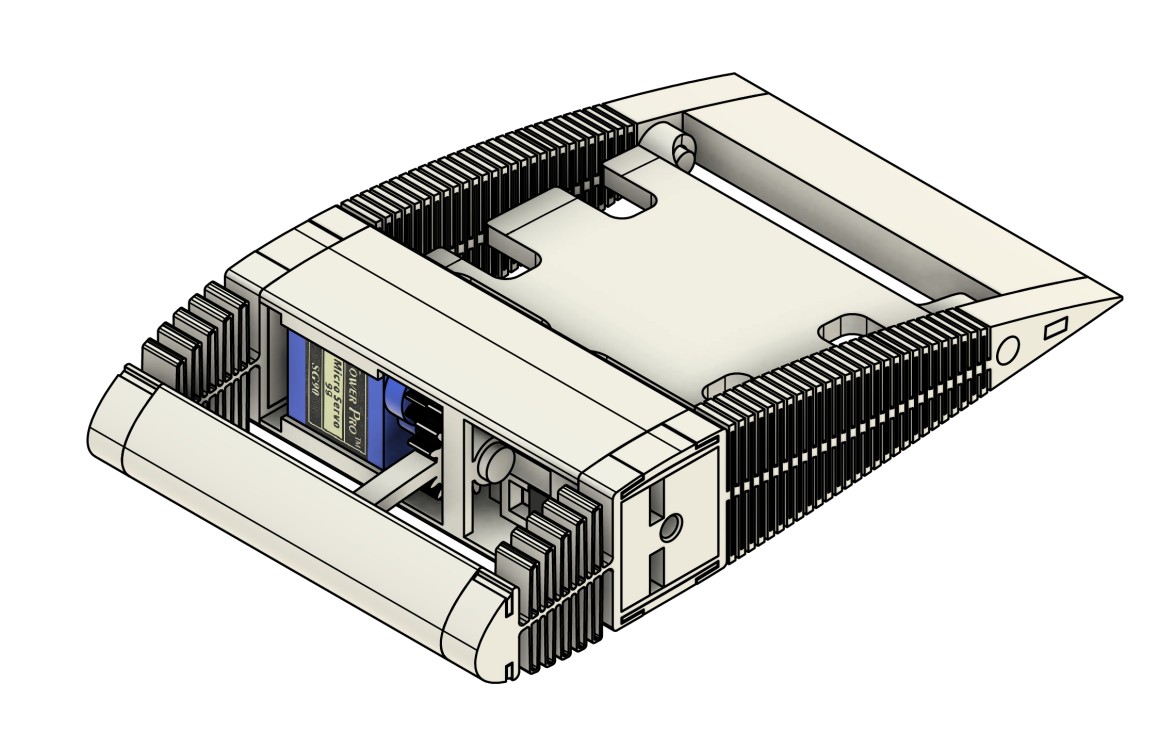
Videos explaining the nature of morphing aerofoils
Explaining the principles behind aerodynamic lift
Exploring the future of morphing wing technology
Essential templates, guides, and documents for your project success
Establish roles, responsibilities, and expectations with your team from Day 1.
⬇️ Download TemplateStandard templates for Engineering Design Plan and Iterative Design Reports.
⬇️ Download TemplatesTrack wind tunnel test results, deflection angles, and performance data.
⬇️ Download SheetUnderstand exactly how each assessment is graded. Know what markers look for.
📄 View All RubricsSolidWorks templates with pre-configured units, materials, and wind tunnel mount.
⬇️ Download CAD FilesBasic servo control code to get your morphing mechanism working quickly.
⬇️ Download CodeCritical dimensions and requirements your design must meet
Assessments are split into Individual (50%) and Team (50%) components. Collaboration and consistent engagement are key to your success.
Assessed at 2% per week, based on attendance and active engagement.
Assessed at 5% per fortnight, based on documented workload contribution and consistency.
Individual CAD knowledge and applied design skills assessment.
Individual electronics and coding knowledge assessment. 2 hour duration once opened.
Team-based technical and design documentation.
Team-based comprehensive project report.
Team presentation and demonstration.
All assessments are submitted via Moodle.
In this section, we will talk about the installation of SOLIDWORKS on Windows. Even though UNSW has labs with powerful computers that students can use, some students may wish to install and use the software on their personal computers.
Important: SOLIDWORKS only works on Windows. If you are using a Mac, you will need to set up a Windows environment (e.g., Boot Camp, Parallels, or a virtual machine) or access SOLIDWORKS through the university computer labs.
This license can only be used for your course related activities. Do not share this information.
During installation, ensure you UNTICK "SOLIDWORKS Electrical". Otherwise, you may experience an error related to the "SQL server".
Note: Access to SOLIDWORKS EDU will expire July 31, 2027.
Each group must demonstrate compliance with safety and design requirements before approval.
Book Now →You will not be able to test your wing if it does not meet required specifications.
Mon/Thu: 12–2pm; 3–5pm
Wed/Fri: 10am–2pm
Location: J18-105 Solids Lab
Mon/Thu: 12–5pm
Wed/Fri: 9am–1pm
Location: Design Next Studio (DNS)
Available on Wednesdays only (Weeks 2–5). After Week 5, access is closed.
Book Now →After Week 5, no new groups will be able to access these facilities. Please plan ahead.