
Upcoming Event
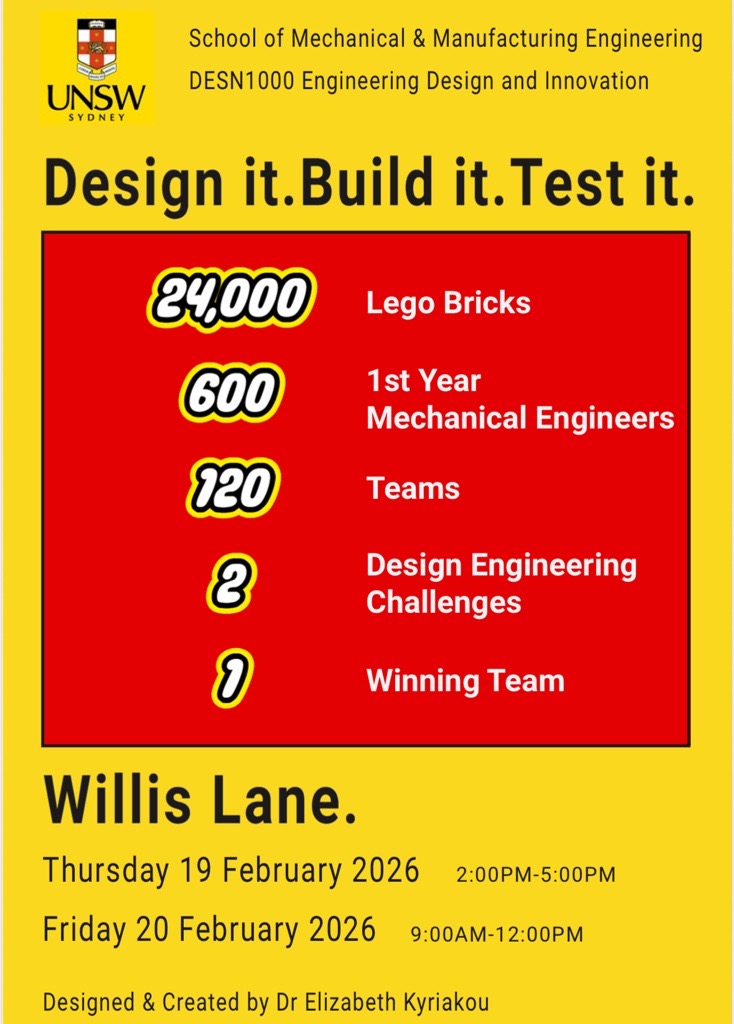
Design it. Build it. Test it. - DESN1000 Engineering Design Competition at Willis Lane, February 19-20, 2026
Term 1, 2026 • UNSW Engineering

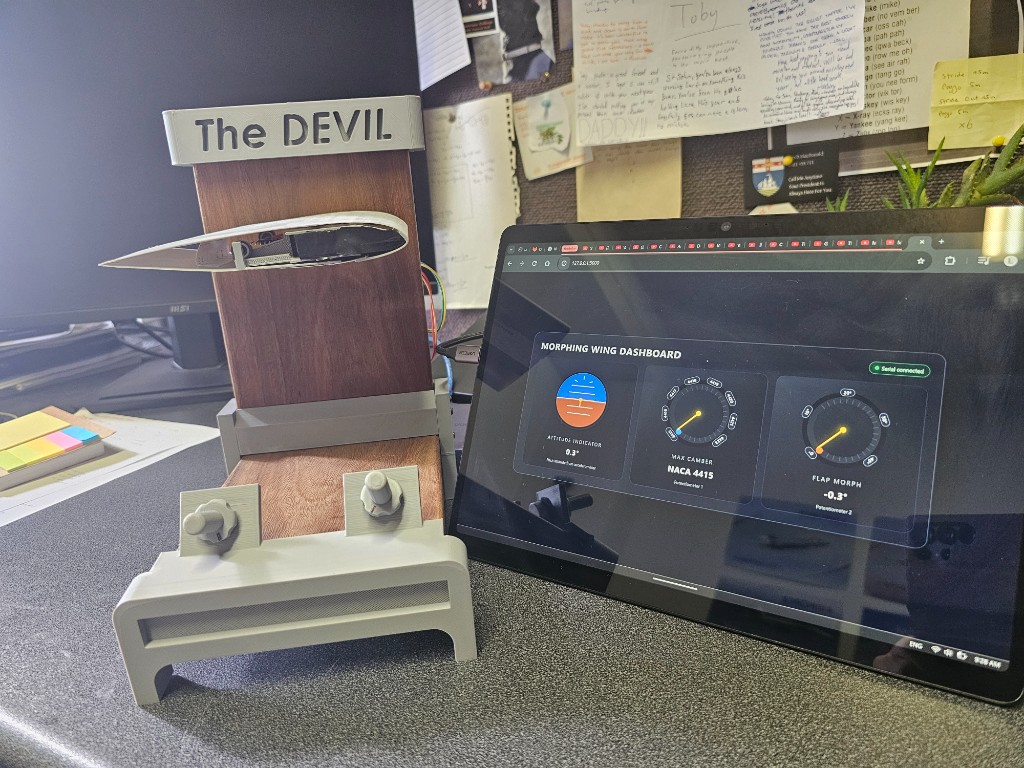
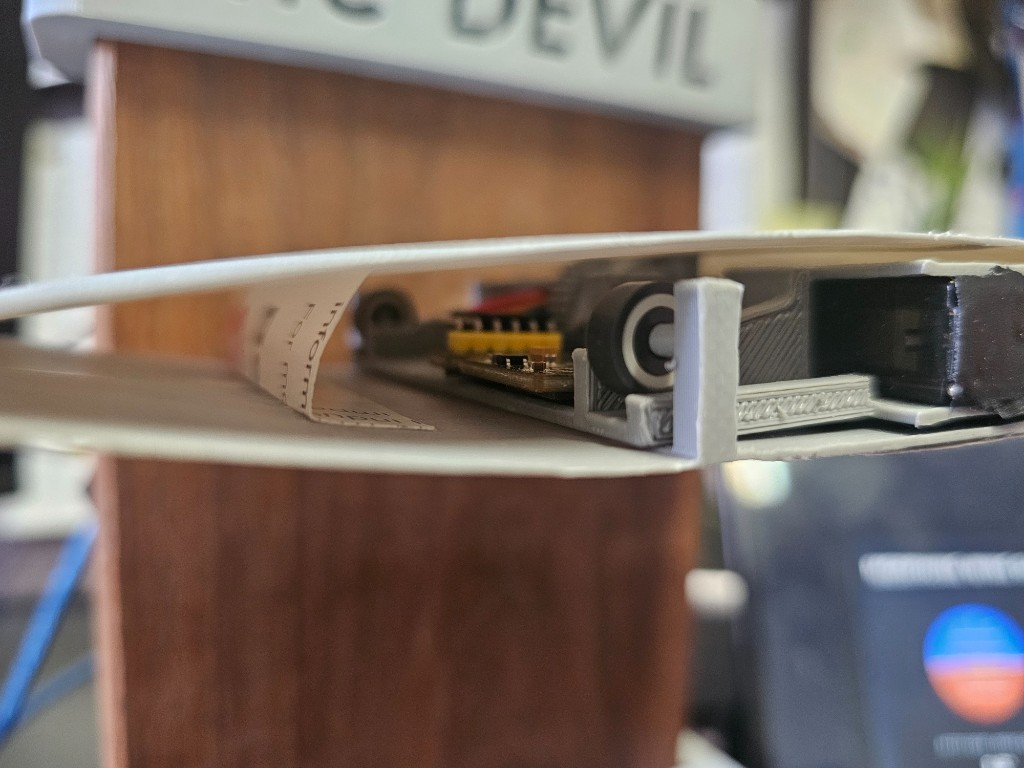
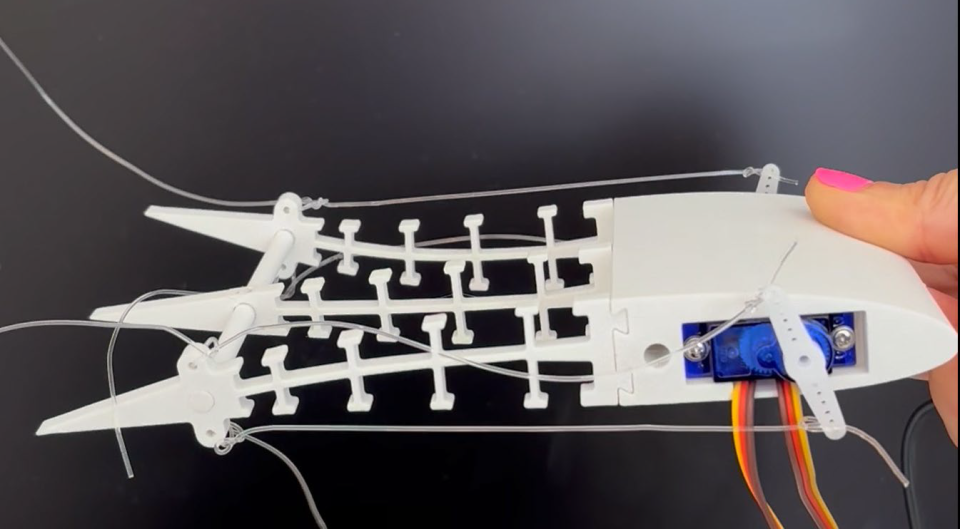
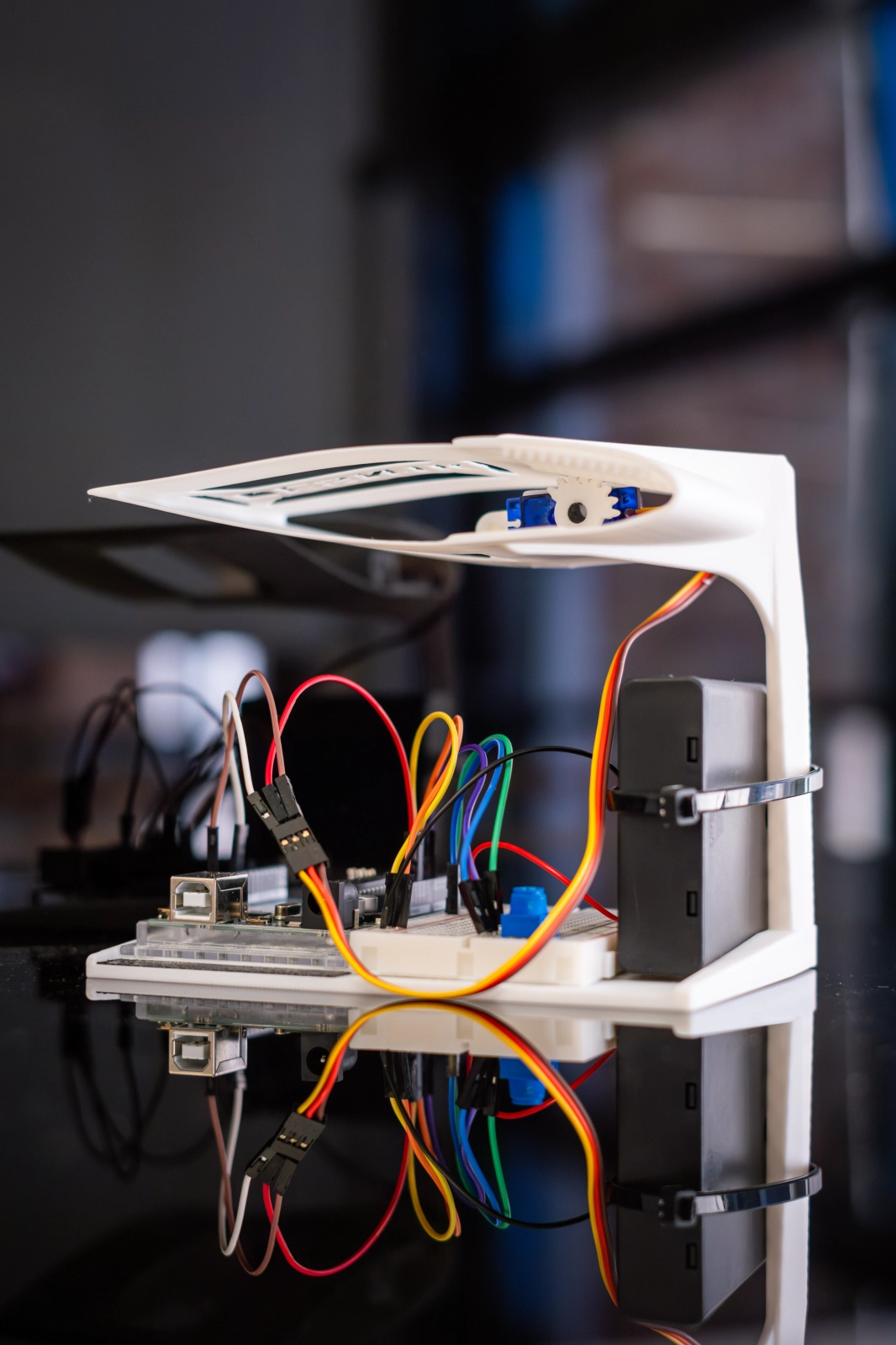
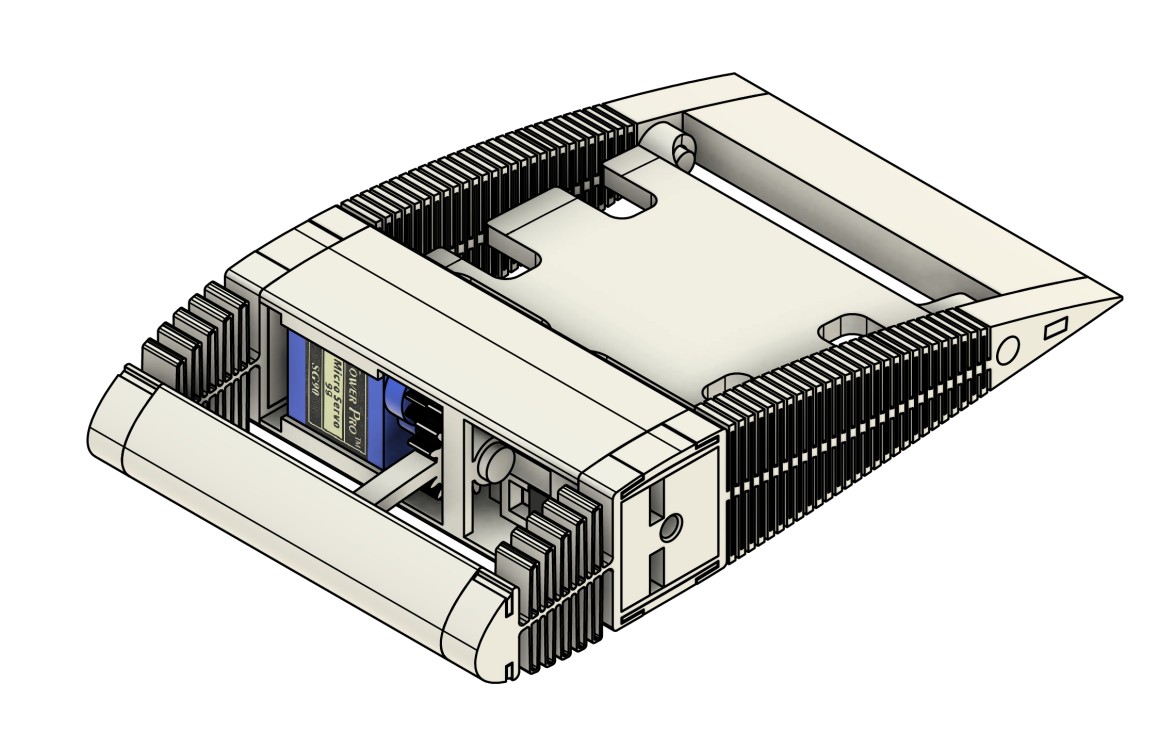
Morphing Wing
Project

DESN1000 Engineering Design

Welcome to the flagship course of your engineering degree. Immerse yourself in the engineering design process, teamwork, and hands-on prototyping. Apply your creativity and technical skills using fundamental tools, facilities, and software.

Get Started Quickly

Access your essential tools and resources

📂

Resources

All course materials, templates, and guides are available right here on this site.

💬

MS Teams

Day-to-day announcements and collaboration in your channel.

📅

Moodle

Bookings for tools and all assignment submissions.

Support

Post questions in Teams so everyone can benefit.

Welcome to the Morphing Wing Project!

If this is your first-ever course at UNSW, a warm welcome — we're excited to have you on board. The Morphing Wing project is designed to immerse you in the engineering design process, teamwork, and hands-on prototyping. You'll apply your creativity and technical skills using fundamental tools, facilities, and software.

✨ We're looking forward to seeing the creativity, innovation, and teamwork you bring!

Timetable & Class Locations

Select your stream to view your schedule

📋

Timetabled Rooms Are Mandatory

It is essential that you attend your allocated timetabled room for lectures, project, and technical classes. Space is limited, and teams will be formed during these sessions. Attending the correct room ensures you're placed with your assigned group.

Monday / Thursday
Wednesday / Friday

Stream 1A Schedule

Time Monday Thursday
2:00–3:00pm Lecture
J17-G03
Lecture
J17-G03
3:00–5:00pm Project
J17-504-DNS
Technical
J17-203

Stream 1B Schedule

Time Monday Thursday
2:00–3:00pm Lecture
J17-G03
Lecture
J17-G03
3:00–5:00pm Project
J17-505-DTS
Technical
J17-204

Stream 2A Schedule

Time Monday Thursday
2:00–3:00pm Lecture
J17-G03
Lecture
J17-G03
3:00–5:00pm Technical
J17-203
Project
J17-504-DNS

Stream 2B Schedule

Time Monday Thursday
2:00–3:00pm Lecture
J17-G03
Lecture
J17-G03
3:00–5:00pm Technical
J17-204
Project
J17-505-DTS

Stream 3A Schedule

Time Wednesday Friday
9:00–10:00am Lecture
MathewsThA
Lecture
MathewsThA
10:00–12:00pm Project
J17-504-DNS
Technical
J17-203

Stream 3B Schedule

Time Wednesday Friday
9:00–10:00am Lecture
MathewsThA
Lecture
MathewsThA
10:00–12:00pm Project
J17-505-DTS
Technical
J17-204

Stream 4A Schedule

Time Wednesday Friday
9:00–10:00am Lecture
MathewsThA
Lecture
MathewsThA
10:00–12:00pm Technical
J17-203
Project
J17-504-DNS

Stream 4B Schedule

Time Wednesday Friday
9:00–10:00am Lecture
MathewsThA
Lecture
MathewsThA
10:00–12:00pm Technical
J17-204
Project
J17-505-DTS
Downloads

Team Resources Hub

Essential templates, guides, and documents for your project success

📋

Team Contract Template

Establish roles, responsibilities, and expectations with your team from Day 1.

⬇️ Download Template
📝

Report Templates

Standard templates for Engineering Design Plan and Iterative Design Reports.

⬇️ Download Templates
📊

Data Recording Sheet

Track wind tunnel test results, deflection angles, and performance data.

⬇️ Download Sheet
🎯

Assessment Rubrics

Understand exactly how each assessment is graded. Know what markers look for.

📄 View All Rubrics
📐

CAD File Templates

SolidWorks templates with pre-configured units, materials, and wind tunnel mount.

⬇️ Download CAD Files
🔌

Arduino Starter Code

Basic servo control code to get your morphing mechanism working quickly.

⬇️ Download Code

📏 Design Specification Reference

Critical dimensions and requirements your design must meet

📐 Wing Dimensions

  • Max Wingspan 300 mm
  • Max Chord Length 150 mm
  • Max Thickness 30 mm
  • Mount Hole Diameter 8 mm
  • Mount Location 25% chord

⚡ Electronics

  • Arduino Board Uno R3
  • Servo Type SG90 / MG90S
  • Servo Signal Pin Pin 9
  • Power Supply 5V USB / 6V ext
  • Max Current Draw 500 mA

🌬️ Wind Tunnel

  • Test Section Size 300 × 300 mm
  • Wind Speed Range 5 - 25 m/s
  • Test Duration 15 min slot
  • Mount Clearance Min 20 mm
  • Max AoA Range -10° to +15°
Deliverables

Assessments

Assessments are split into Individual (50%) and Team (50%) components. Collaboration and consistent engagement are key to your success.

Individual Assessments (50%)

1
16%

Mentoring Program (Weekly Participation)

Assessed at 2% per week, based on attendance and active engagement.

👤 Individual
📅 Weekly, commences Week 2
2
9%

MS Teams Private Channel

Assessed at 5% per fortnight, based on documented workload contribution and consistency.

👤 Individual
📅 Fortnightly, commences Week 3
3
15%

CAD Quiz

Individual CAD knowledge and applied design skills assessment.

💻 Online Quiz
📅 Week 5
4
10%

Arduino Quiz

Individual electronics and coding knowledge assessment. 2 hour duration once opened.

💻 Online Quiz
📅 Opens Thu Week 7 – Closes Sun Week 8

Team Assessments (50%)

5
20%

Design Report

Team-based technical and design documentation.

👥 Team
📅 Week 5
6
20%

Final Report

Team-based comprehensive project report.

👥 Team
📅 Week 10 – Sunday night
7
10%

Final Presentation

Team presentation and demonstration.

🎤 Presentation
📅 Thu/Fri – Week 10

All assessments are submitted via Moodle.

Installing SOLIDWORKS 2025

In this section, we will talk about the installation of SOLIDWORKS on Windows. Even though UNSW has labs with powerful computers that students can use, some students may wish to install and use the software on their personal computers.

Important: SOLIDWORKS only works on Windows. If you are using a Mac, you will need to set up a Windows environment (e.g., Boot Camp, Parallels, or a virtual machine) or access SOLIDWORKS through the university computer labs.

This license can only be used for your course related activities. Do not share this information.

⚠️

During installation, ensure you UNTICK "SOLIDWORKS Electrical". Otherwise, you may experience an error related to the "SQL server".

Note: Access to SOLIDWORKS EDU will expire July 31, 2027.

$ # Installation Steps
1. Go to SolidWorks Community Download
2. Email: zID@ad.unsw.edu.au
3. Select "Student" → Version 2025 SP4.0
4. Click "I already have a serial number..."
# Serial Number:
9020 0084 7811 3651 H9RJ 8K75
# Installation Tips:
Restart computer before installation
Verify 16GB RAM minimum
Windows 10 or 11 x64 required
Update Windows before installing
Request Download →

💨 Wind Tunnel Access

Each group must demonstrate compliance with safety and design requirements before approval.

Book Now →

Pre-Testing Checklist

You will not be able to test your wing if it does not meet required specifications.

  • Wind tunnel mount – Correct location and installation
  • Morphing wing prototype – Fully assembled and functional
  • Electronic and Arduino setup – Wired, coded, and tested
  • Servo motor and power supply – Connected and operational
  • Team data sheet – Ready to record data and wing deflection

Practice Testing (Weeks 3–5, 8–9)

Mon/Thu: 12–2pm; 3–5pm
Wed/Fri: 10am–2pm
Location: J18-105 Solids Lab

Formal Testing (Weeks 7 & 10)

Mon/Thu: 12–5pm
Wed/Fri: 9am–1pm
Location: Design Next Studio (DNS)

⚙️ CNC & Vacuum Former

Available on Wednesdays only (Weeks 2–5). After Week 5, access is closed.

Book Now →

Steps to Use

  • Book a 30-minute consultation timeslot (Wednesdays only)
  • Prepare your project plan and CAD design before the consultation
  • Present your plan and CAD during the session for review
  • Gain approval from the demonstrator
  • Once approved, proceed with CNC machining or vacuum forming
  • Your demonstrator will handle the CAM setup based on your CAD

Important Deadline

After Week 5, no new groups will be able to access these facilities. Please plan ahead.